Most “agent frameworks” are libraries that push the hard parts of production (orchestration, secrets, versioning, and audit logging) into ad-hoc glue code. As teams move from “chatting with a PDF” to shipping internal copilots, the need for a governed, observable runtime becomes undeniable.
This is where Dify enters the stack. It’s a self-hostable “LLM app runtime” designed to turn agentic prototypes into real business services.
What is Dify used for in LLM application development?
Dify is an open-source LLM application development platform that provides a unified workflow engine, model gateway, and RAG subsystem. It allows developers to model AI applications as explicit directed acyclic graphs (DAGs), enabling governed orchestration of LLM calls, external tools, and retrieval policies with built-in operational telemetry and multi-tenant isolation.
The Architecture: A Platform for Governance
Dify sits between your model providers (OpenAI, Anthropic, or local models like Ollama) and your business systems. It provides four critical pillars:
- Workflow Engine: Models applications as explicit DAGs including LLM calls, tools, and conditionals.
- Unified Model Gateway: Normalizes provider APIs behind consistent schemas.
- RAG Subsystem: Manages ingestion, chunking, embedding, and vector indexing.
- App-Serving Layer: Exposes completions-style endpoints with authentication and rate limits.
In The Centaur’s Edge, I talk about the importance of “building the harness before you start the engine.” Dify is that harness. It treats prompt versioning, environment promotion, and dataset management as first-class platform concerns rather than afterthoughts.
The Reality Check: Scaling and Production Gaps
While Dify simplifies the “zero to one” journey, moving to “one to N” requires caution.
1. The Concurrency Bottleneck
Workflow execution can become a bottleneck under high concurrency. Because each node in the DAG is an external call (LLM, vector DB, or tool), latency can explode without aggressive queueing and per-node circuit breakers.
2. Multi-tenant Isolation
If you are running Dify for multiple teams, be aware that datasets and embeddings often share backing stores. Without strict quota enforcement, one noisy tenant can saturate your indexing and embedding throughput, affecting everyone on the platform.
3. SSRF Vulnerabilities
Dify introduces a significant SSRF (Server-Side Request Forgery) surface area via its HTTP tool nodes. If user inputs or workflow configurations can influence request URLs, attackers can pivot to internal network resources. Strict egress allowlists and IP pinning are mandatory in production.
The 30-Minute Lab: Local RAG + Tool Workflow
The goal is to stand up Dify locally and create a workflow that retrieves data from a local knowledge base and hits an external API.
1. Local Deployment
Dify is easiest to run via Docker Compose.
git clone https://github.com/langgenius/dify.git
cd dify/docker
cp .env.example .env
docker compose up -d

2. The Setup
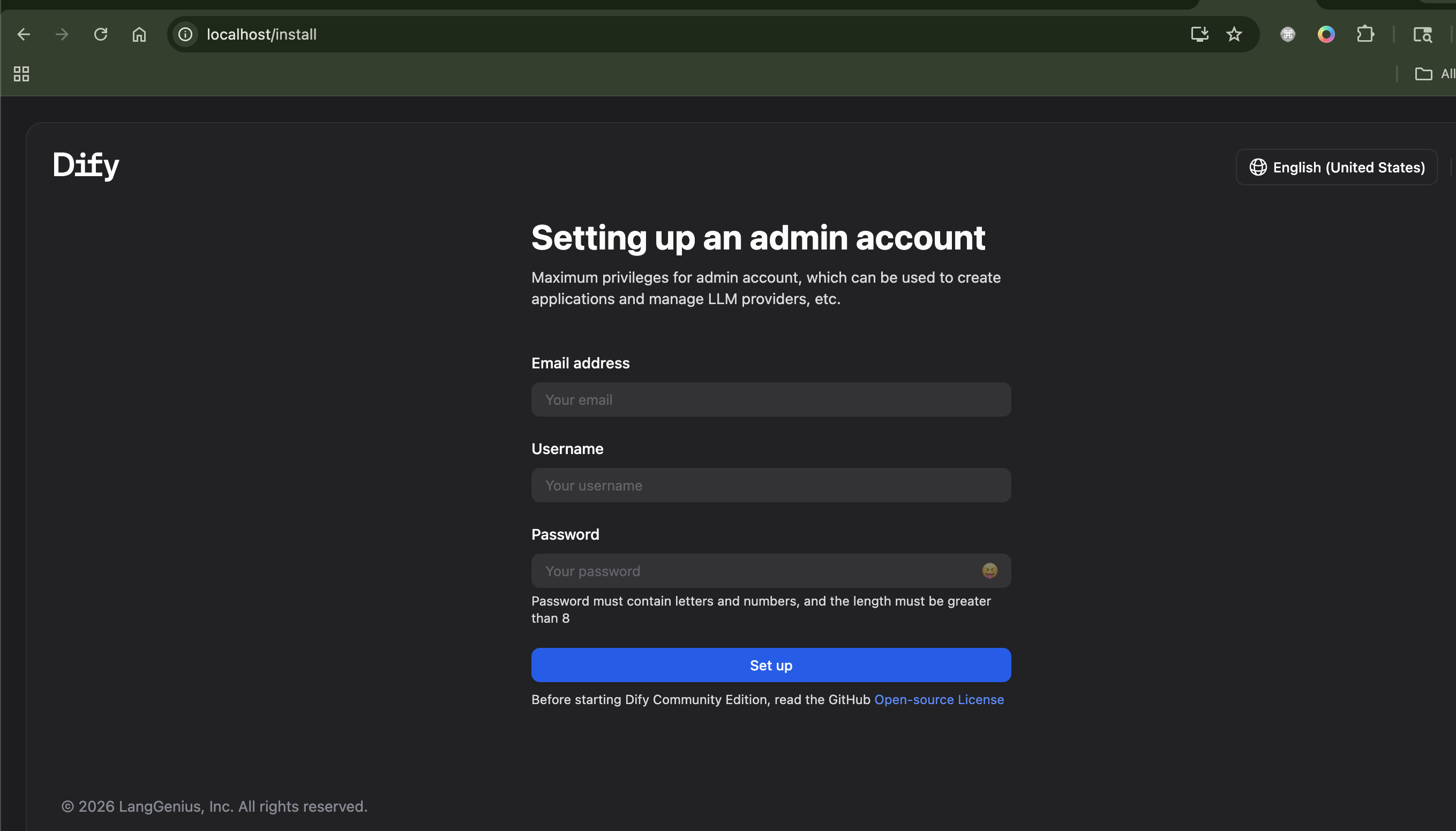
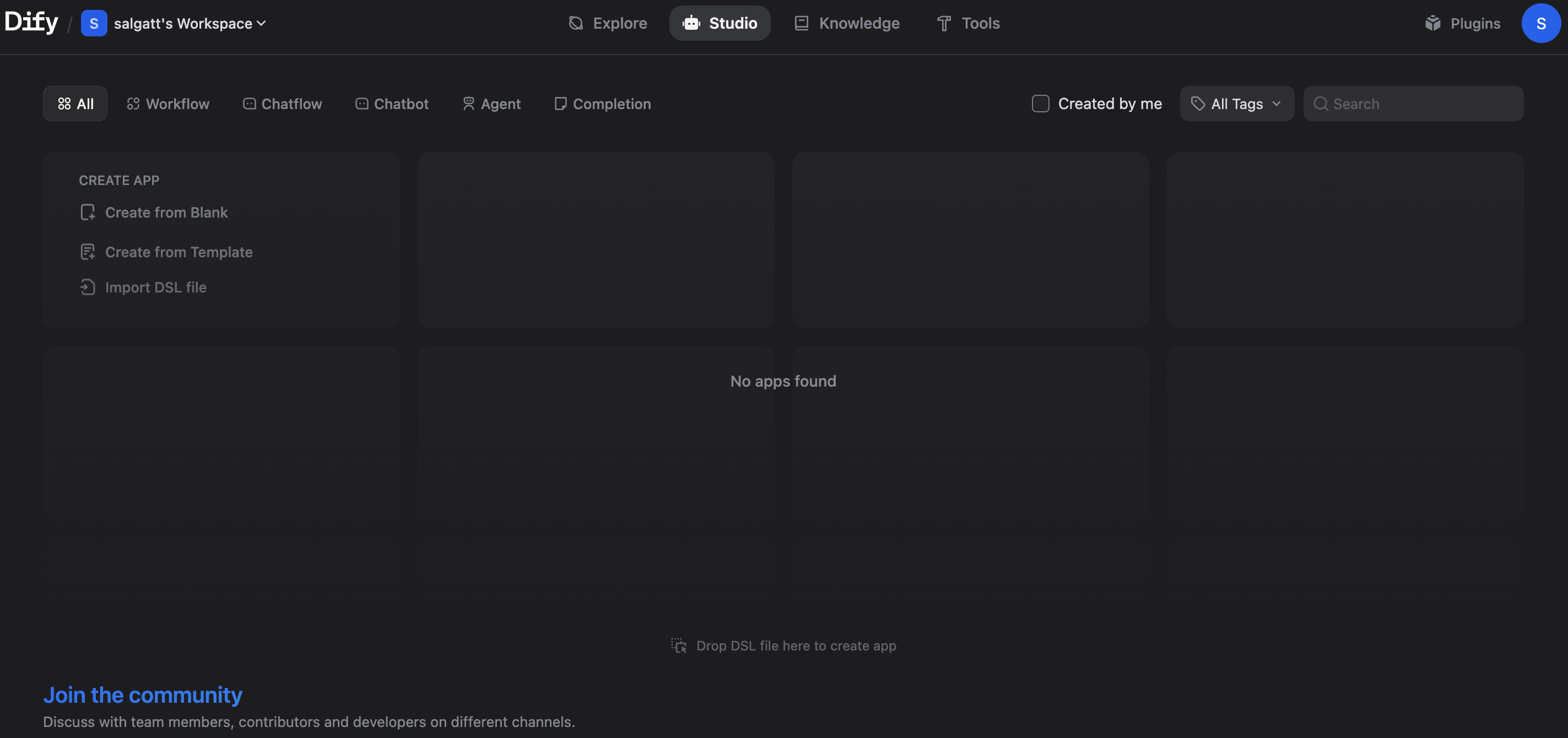
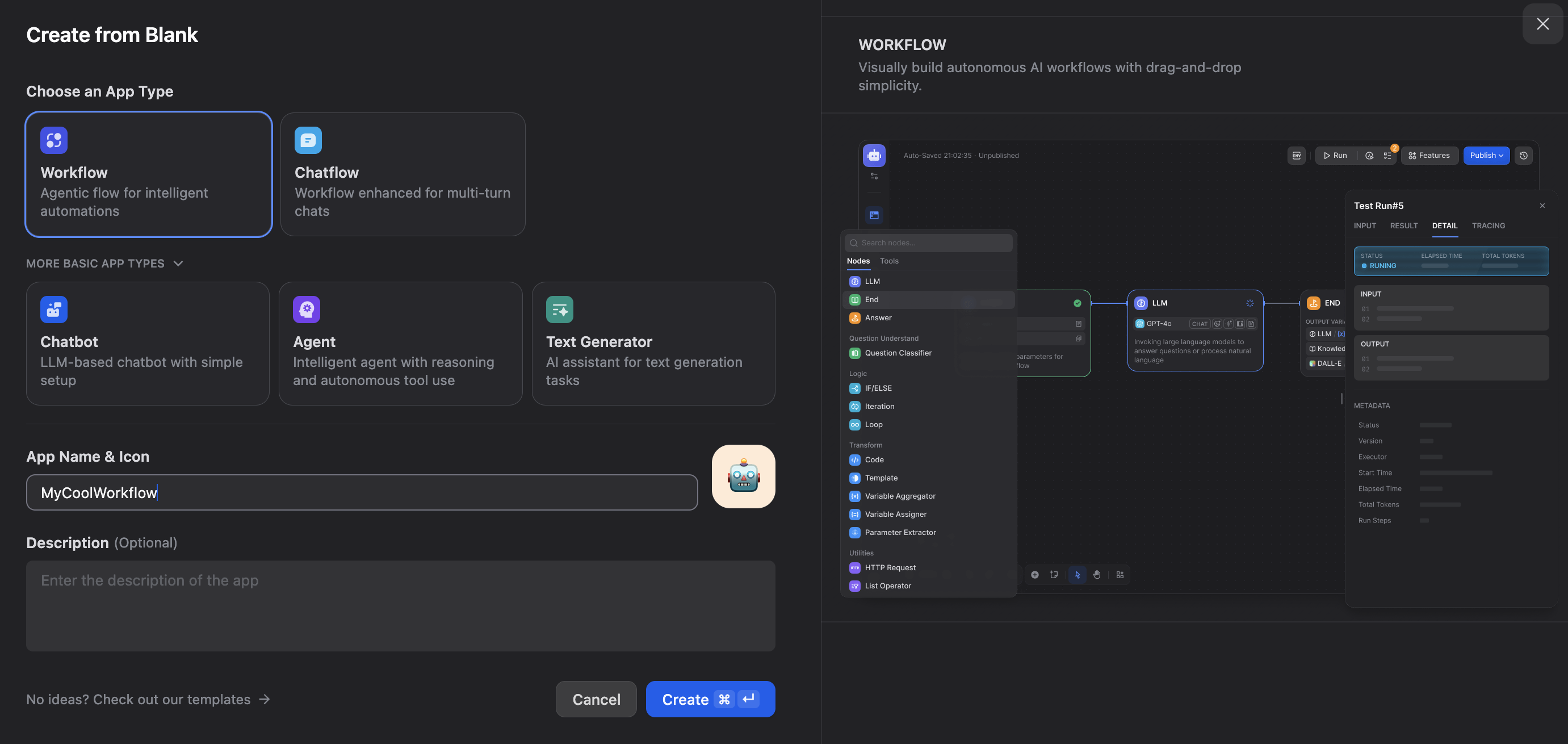
Open http://localhost, complete the admin setup, and create a new Chat App.
Generate an API key in the settings.
3. Knowledge Base Integration
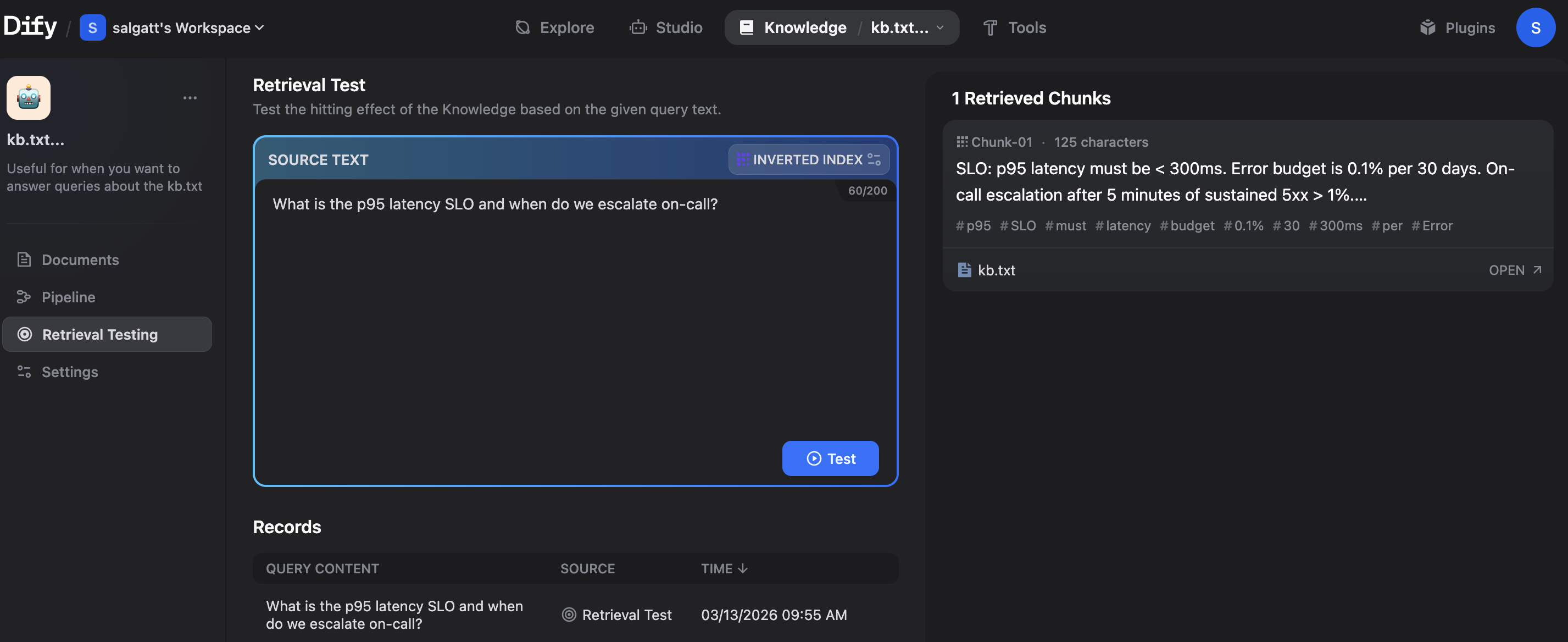
Create a dataset and upload a kb.txt with your service level objectives (SLOs). For example:
SLO: p95 latency must be < 300ms. Error budget is 0.1% per 30 days.
4. The Workflow
Build a DAG that retrieves this SLO data, passes it to an LLM, and then performs an HTTP tool call to httpbin.org/get to prove tool execution.
5. API Verification
Call your app from the terminal to verify the end-to-end orchestration.
export DIFY_KEY='YOUR_APP_API_KEY'
curl -sS -X POST 'http://localhost/v1/chat-messages' \
  -H "Authorization: Bearer $DIFY_KEY" \
  -H 'Content-Type: application/json' \
  -d '{"inputs":{},"query":"What is the p95 latency SLO?","response_mode":"blocking","user":"sandbox"}' | jq
Actionable Takeaways
- Treat workflows as code. Use Dify’s versioning to ensure your agents are reproducible.
- Harden your egress. If using HTTP tools, ensure your Dify instance cannot reach internal metadata endpoints or admin panels.
- Focus on observability. Use Dify’s built-in telemetry to identify which nodes in your DAG are causing the most latency or cost.
The differentiator in the age of AI isn’t just the model. It’s the repeatable governance and observability you build around it.
After spending time in this rabbit hole, my takeaway is clear: Dify is powerful, but it’s also incredibly complex. For a platform that wants to be the “LLM app runtime,” it brings a lot of infrastructure baggage. For my current needs, the overhead of managing Dify’s specific architecture outweighs the benefits of its specialized AI features. I’ll be sticking with n8n for now; its workflow-first approach is exactly the right level of complexity for the automation I’m building.
